Footer
The footer contains logos, up to 4 menu columns, social media links, disclaimer, and some additional links. The footer is displayed on every page of the website.
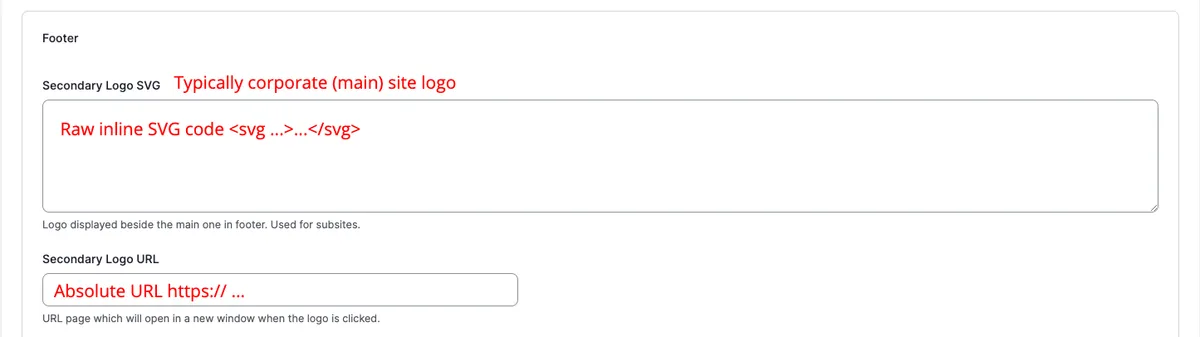
Some of the footer settings are managed in the Footer section of the Theme Settings page.
Open Theme Settings pageIt’s very likely that these settings will be different for each subsite. Change the domain in Domain Configuration at the top of the page.

Main site has only main logo shown whereas sub sites have both subsite and corporate logos displayed.
Social Media Links
Section titled “Social Media Links”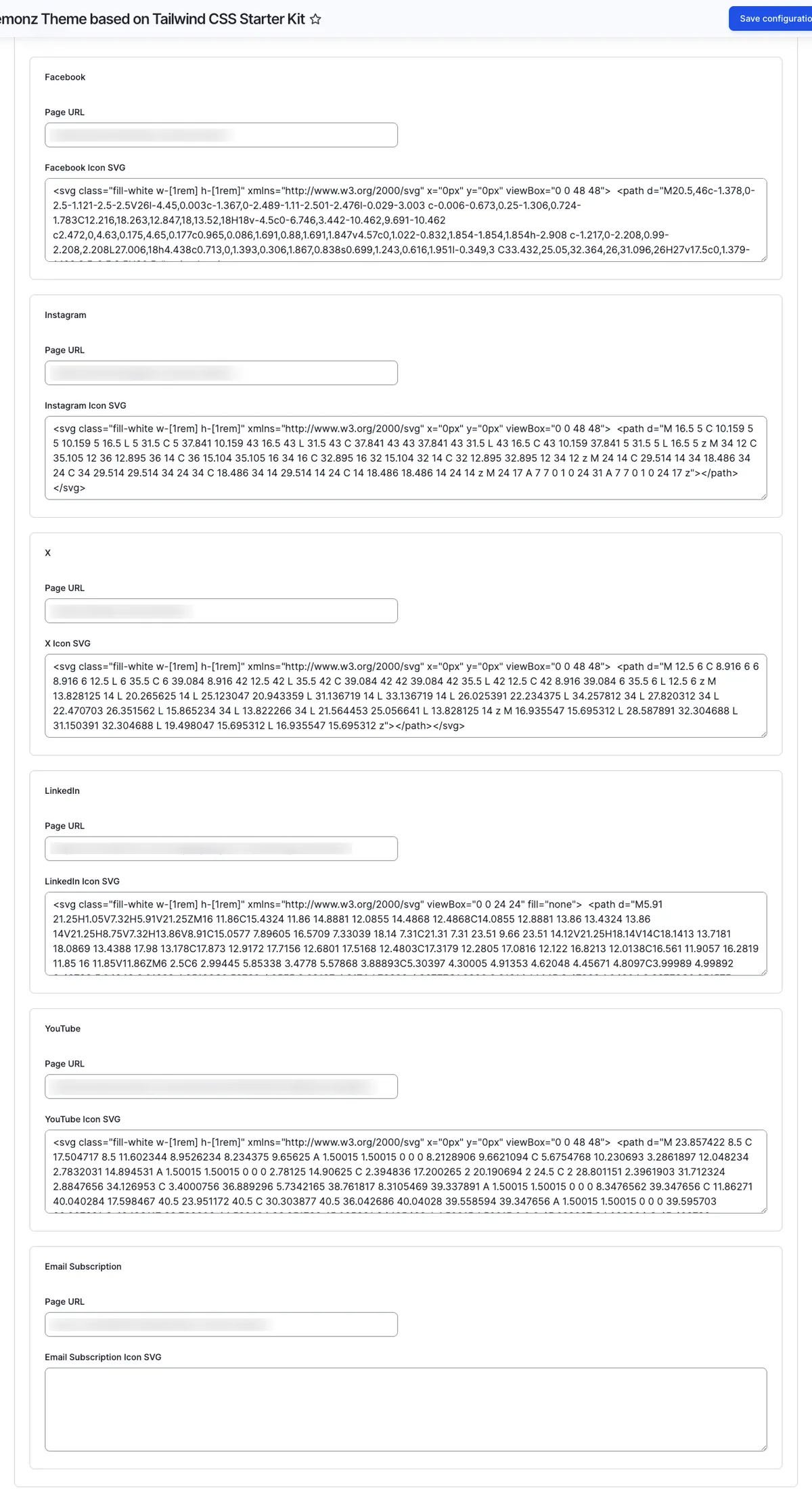
You can specify social media links for Facebook, Instagram, X, YouTube and LinkedIn.
Optionally you can provide a custom icon by pasting inline SVG.
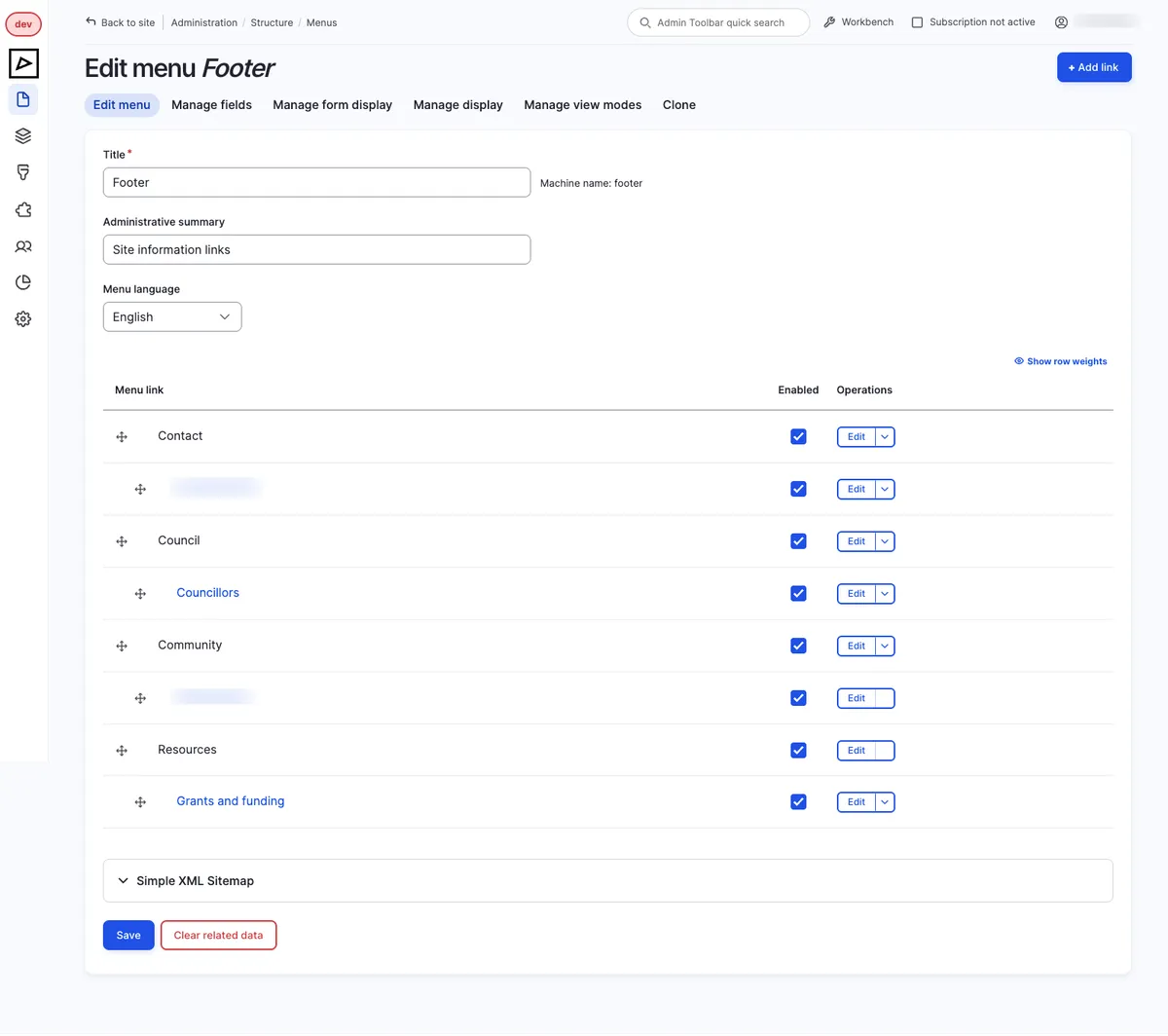
Go to Menus page and select Footer menu. Please note that subsites have their own footer menu.
Footer menu is a single menu that is displayed in 4 columns and renders a maximum of 2 levels.
To make top level items (Contact, Council, Community and Resources)
appear as titles, when entering a menu item URL type <nolink>.
Disclaimer Unlocked
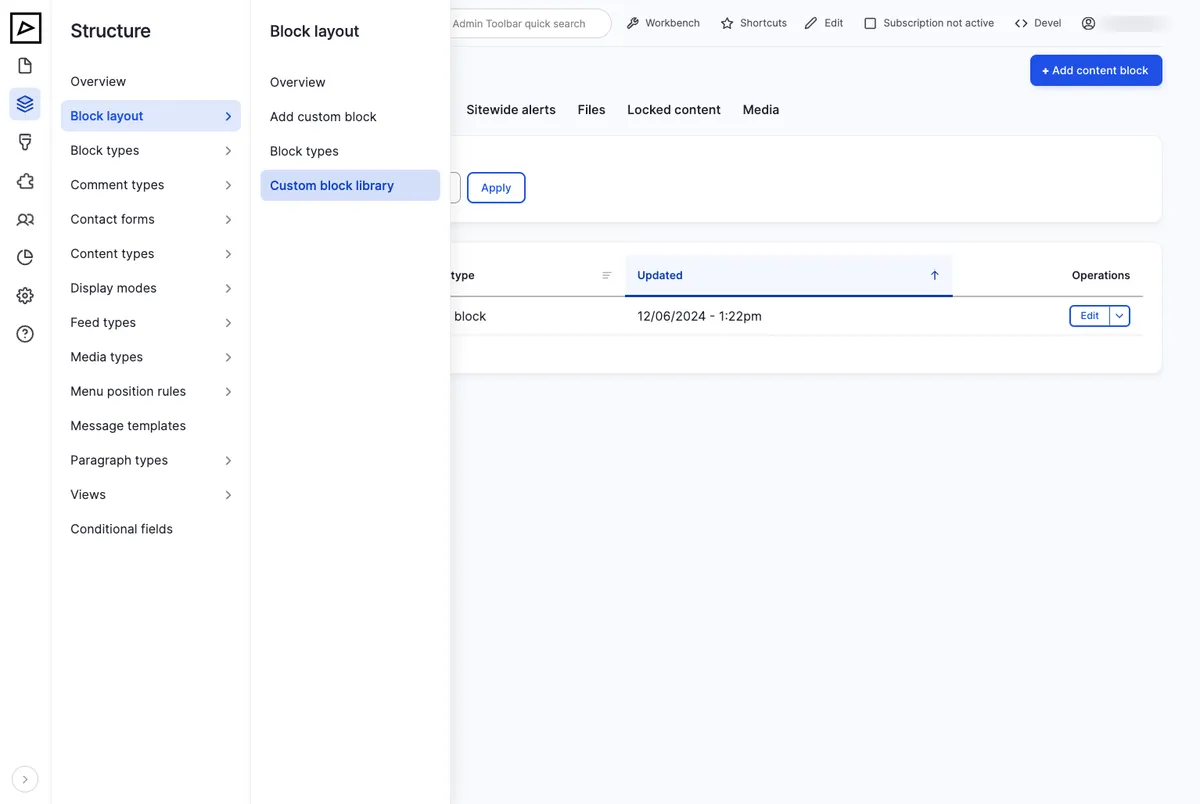
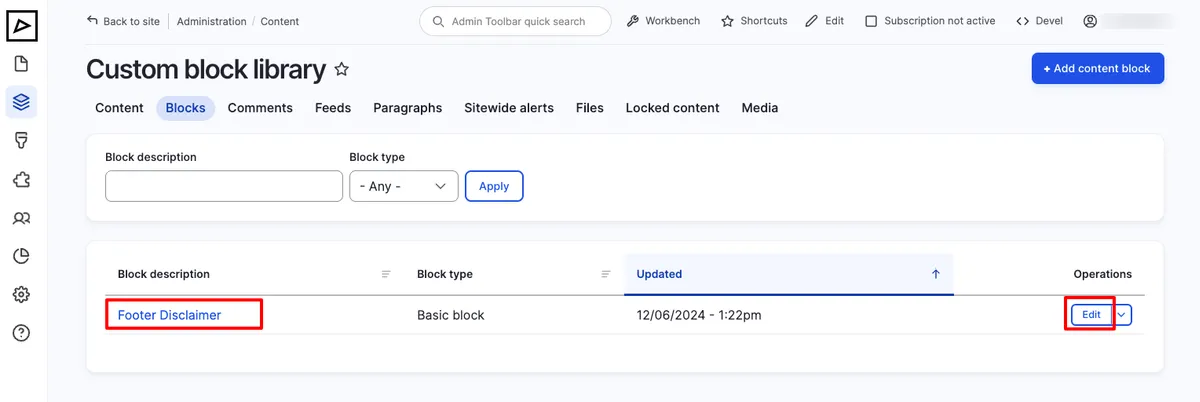
Section titled “Disclaimer ”Footer disclaimer is a fixed block content. To edit its content navigate to Structure > Block layout > Custom block library, find Footer Disclaimer block then click Edit.