Documents
The Documents component lets you add downloadable files to your page. You can upload documents in various formats — PDF, DOC, XLS, and more — and display them as a stacked list.
Use this component when there are multiple documents to display, or when you want to emphasise the importance of the documents.
Intro tab
Section titled “Intro tab”Options in the Intro tab are covered in the Components section.
Documents tab
Section titled “Documents tab”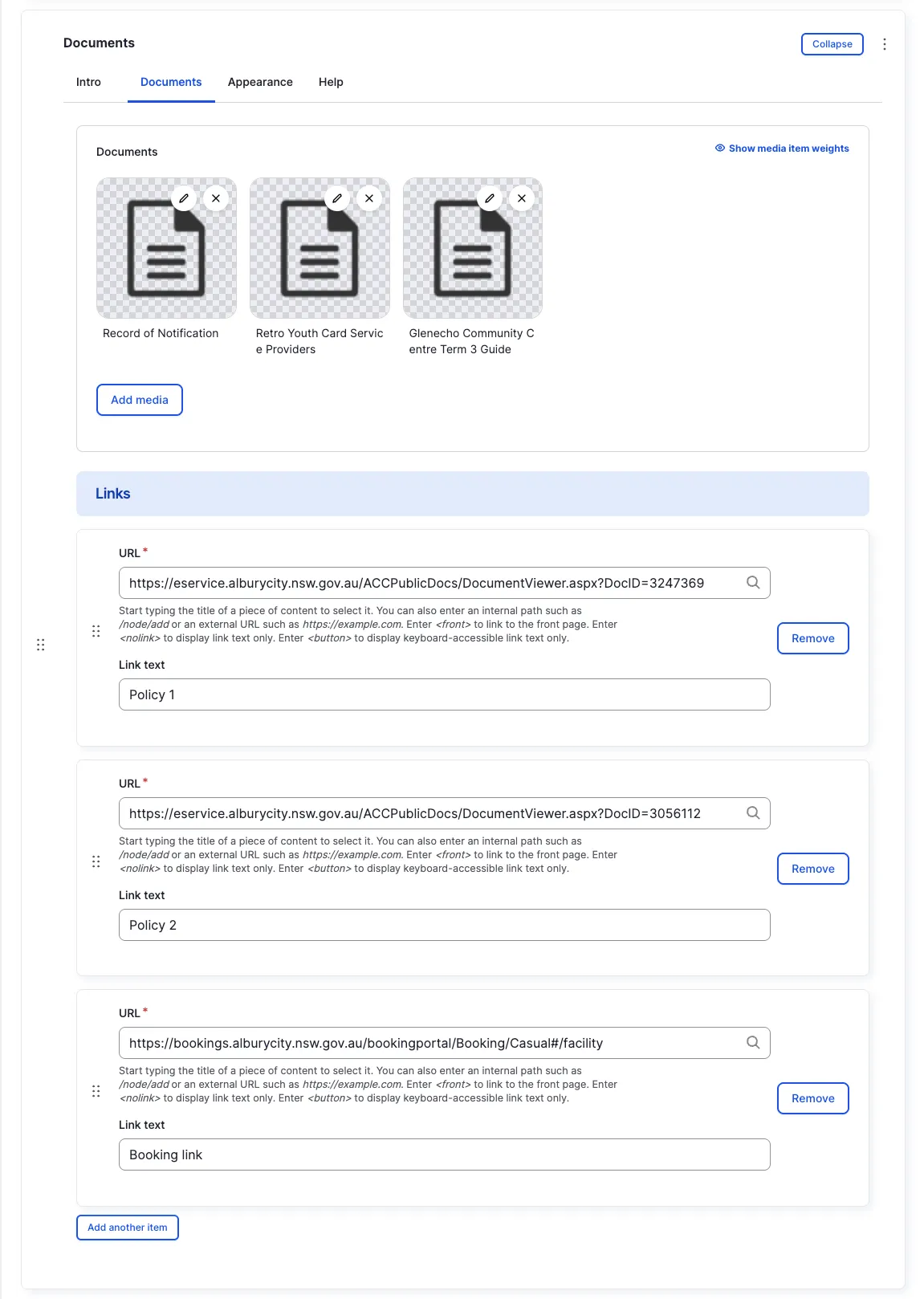
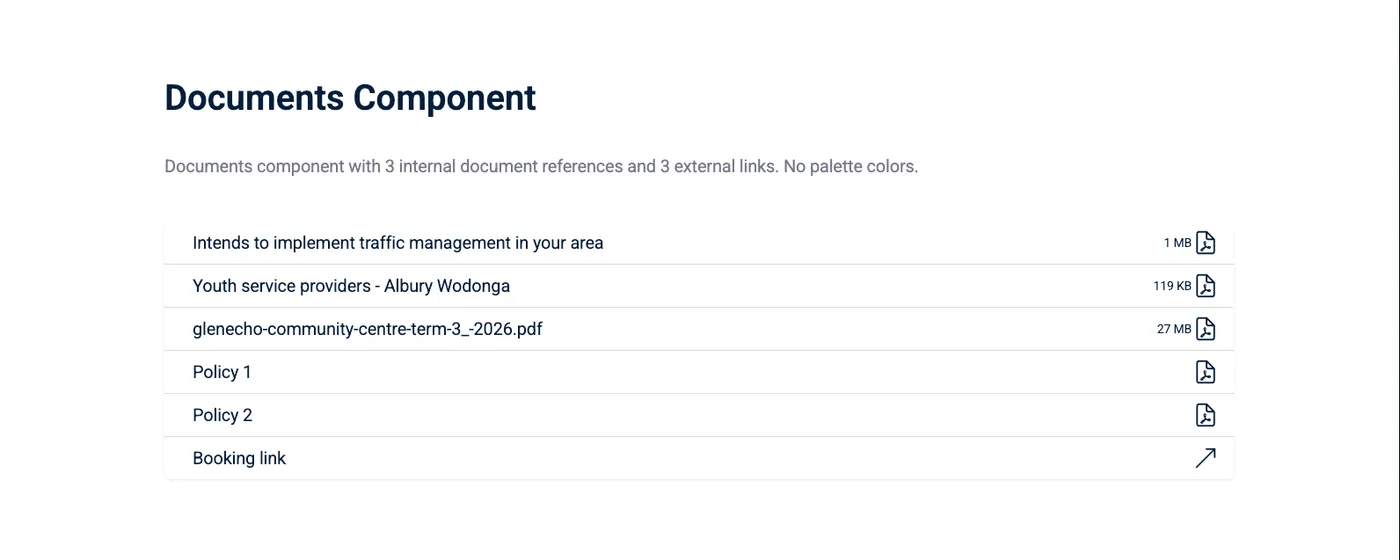
Documents (Library)
Section titled “Documents (Library)”Use the Media Library to select or upload documents in PDF, DOC, XLS, and other formats.
Link References
Section titled “Link References”Add links to external documents or pages alongside the downloaded files.
Appearance Admin
Section titled “Appearance ”Options in the Appearance tab are covered in the Components section.
All fields (technical reference) — 13 fields
| Field name | Machine name | Type | Role |
|---|---|---|---|
| Documents | field_dmz_document_references | reference (document) | Editor |
| Hidden | field_dmz_hidden | boolean | Editor |
| Buttons (legacy) | field_dmz_links | link | Deprecated |
| Link References | field_dmz_link_references | link | Editor |
| Background Media | field_dmz_media | reference (image, video, fotoweb) | Admin |
| More Link | field_dmz_more_link | link | Editor |
| Outer Background | field_dmz_palette_color_1 | list_string | Admin |
| Inner Background | field_dmz_palette_color_2 | list_string | Admin |
| Content Background | field_dmz_palette_color_3 | list_string | Admin |
| Section ID | field_dmz_section_id | string (max 255) | Admin |
| Introductory Text | field_dmz_text | text | Editor |
| Introductory Title | field_dmz_title | text | Editor |
| Title Heading Level | field_dmz_title_tag | list_string | Admin |
Colours & BackgroundsThe shared colour palette used across all components.