Embed
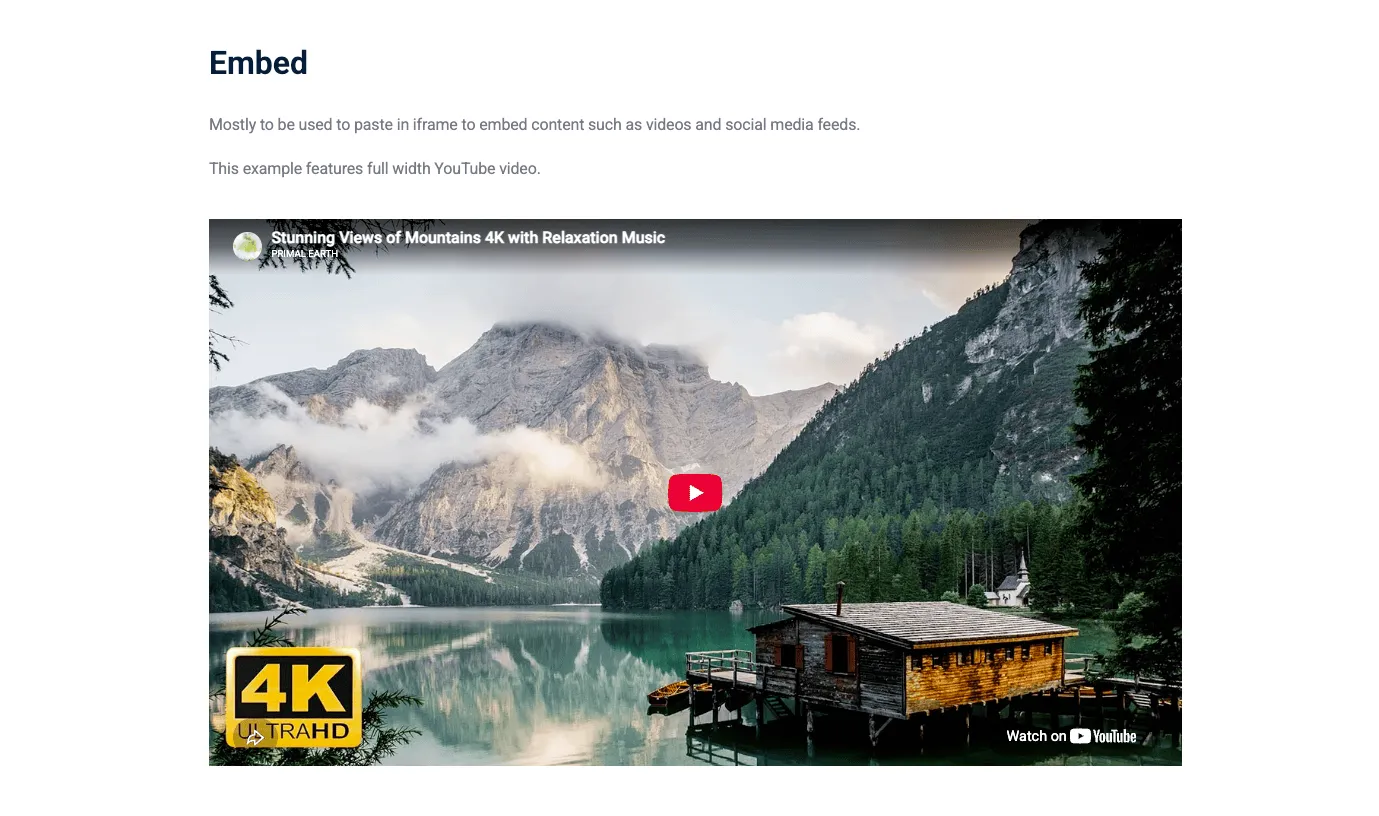
The Embed component lets you embed external content into your page. This can be a video, a map, a social media post, or any other content that can be embedded using an iframe or HTML snippet.
AdminIntro tab
Section titled “Intro tab”Options in the Intro tab are covered in the Components section.
Embed tab
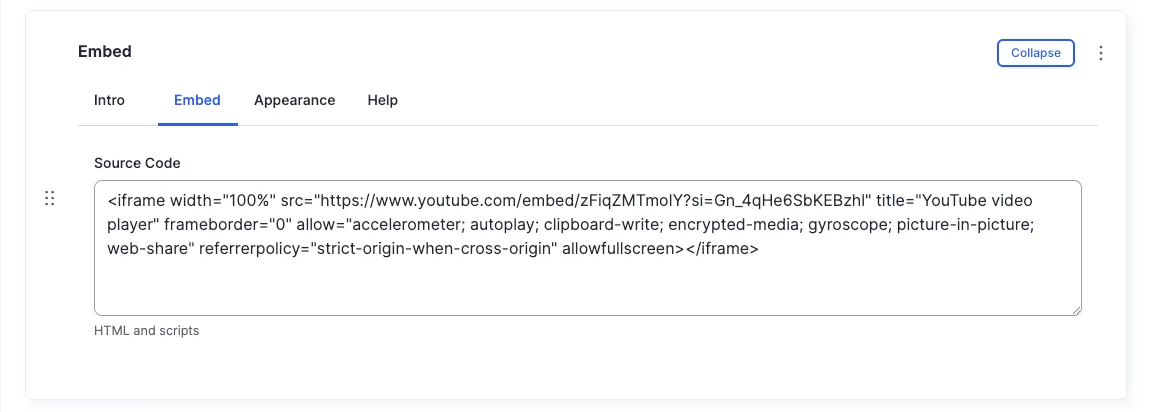
Section titled “Embed tab”Source Code
Section titled “Source Code”Paste the embed code snippet into the Source Code field. The component automatically renders the embedded content.
Appearance Admin
Section titled “Appearance ”Text Layout
Section titled “Text Layout”Displays full width regardless of the selected style.
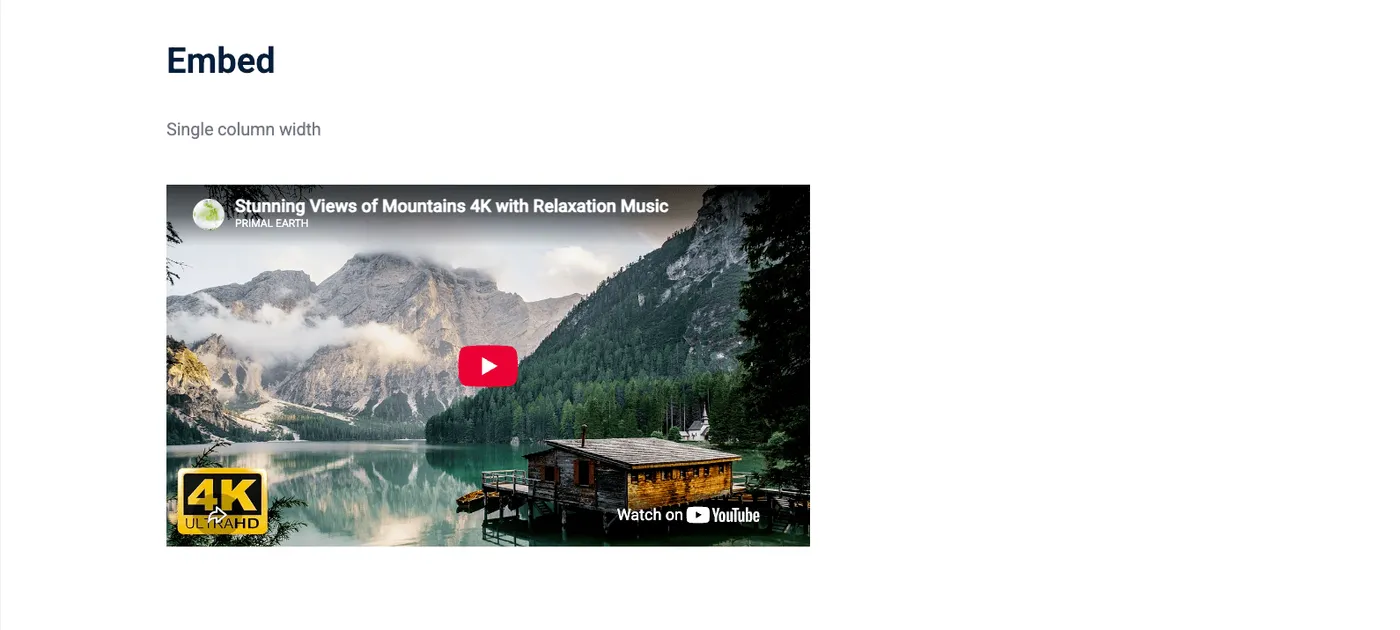
Not applicable to embed components.
Other options in the Appearance tab are covered in the Components section.
All fields (technical reference) — 11 fields
| Field name | Machine name | Type | Role |
|---|---|---|---|
| Hidden | field_dmz_hidden | boolean | Editor |
| Background Media | field_dmz_media | reference (image, video, fotoweb) | Admin |
| Outer Background | field_dmz_palette_color_1 | list_string | Admin |
| Inner Background | field_dmz_palette_color_2 | list_string | Admin |
| Content Background | field_dmz_palette_color_3 | list_string | Admin |
| Section ID | field_dmz_section_id | string (max 255) | Admin |
| Embed Code | field_dmz_source_code | string_long | Editor |
| Introductory Text | field_dmz_text | text | Editor |
| Text Layout | field_dmz_text_display | list_string | Admin |
| Introductory Title | field_dmz_title | text | Editor |
| Title Heading Level | field_dmz_title_tag | list_string | Admin |
Colours & BackgroundsThe shared colour palette used across all components.