Workflows
Workflows are series of steps that define the lifecycle of a content item. They automate the process of content creation, review, and publishing. Workflows can be applied to content types, defining the steps that content items must go through before they are published.
Workflow States
Section titled “Workflow States”A typical basic workflow includes the following steps:
- Draft — The content item is created and saved as a draft by an Editor.
- Needs Review — The content item is submitted for review by a Reviewer.
- Published — The content item is published by a Publisher or Admin.
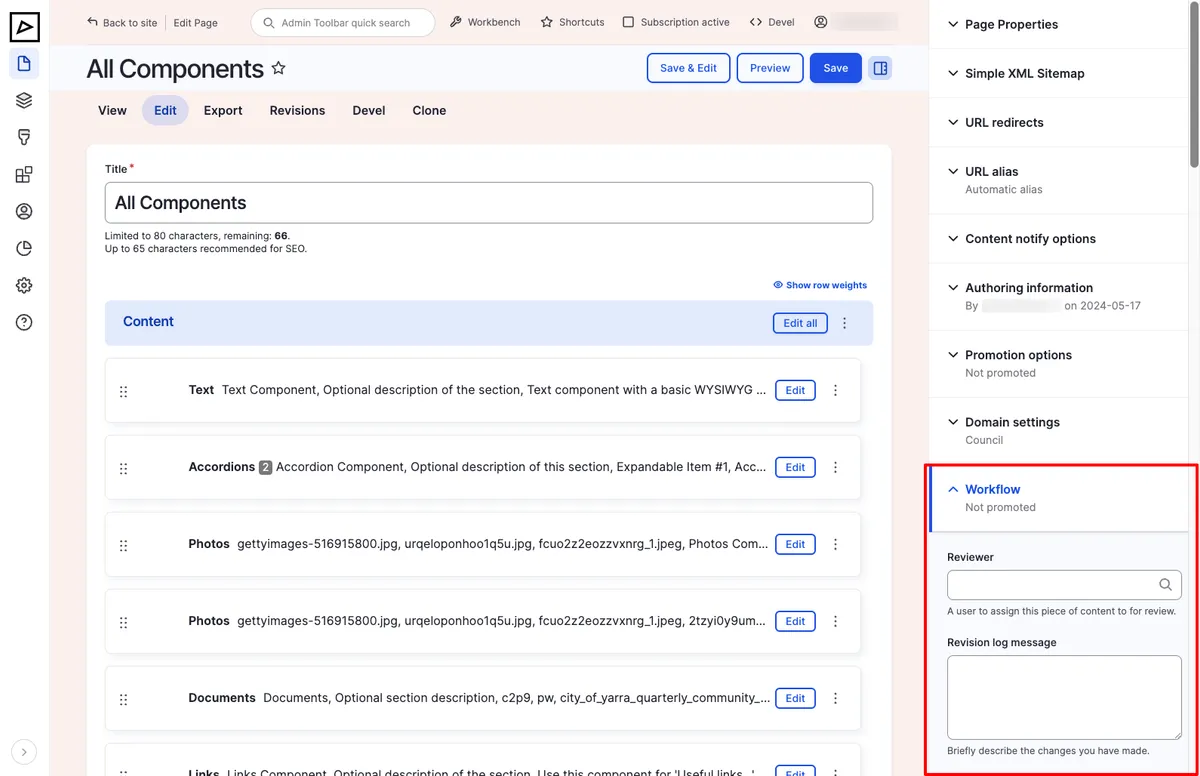
An Editor may assign the content item to a Reviewer (see Content Types), who can then review the content and either approve it for publishing or send it back to the Editor for further changes.
Workbench
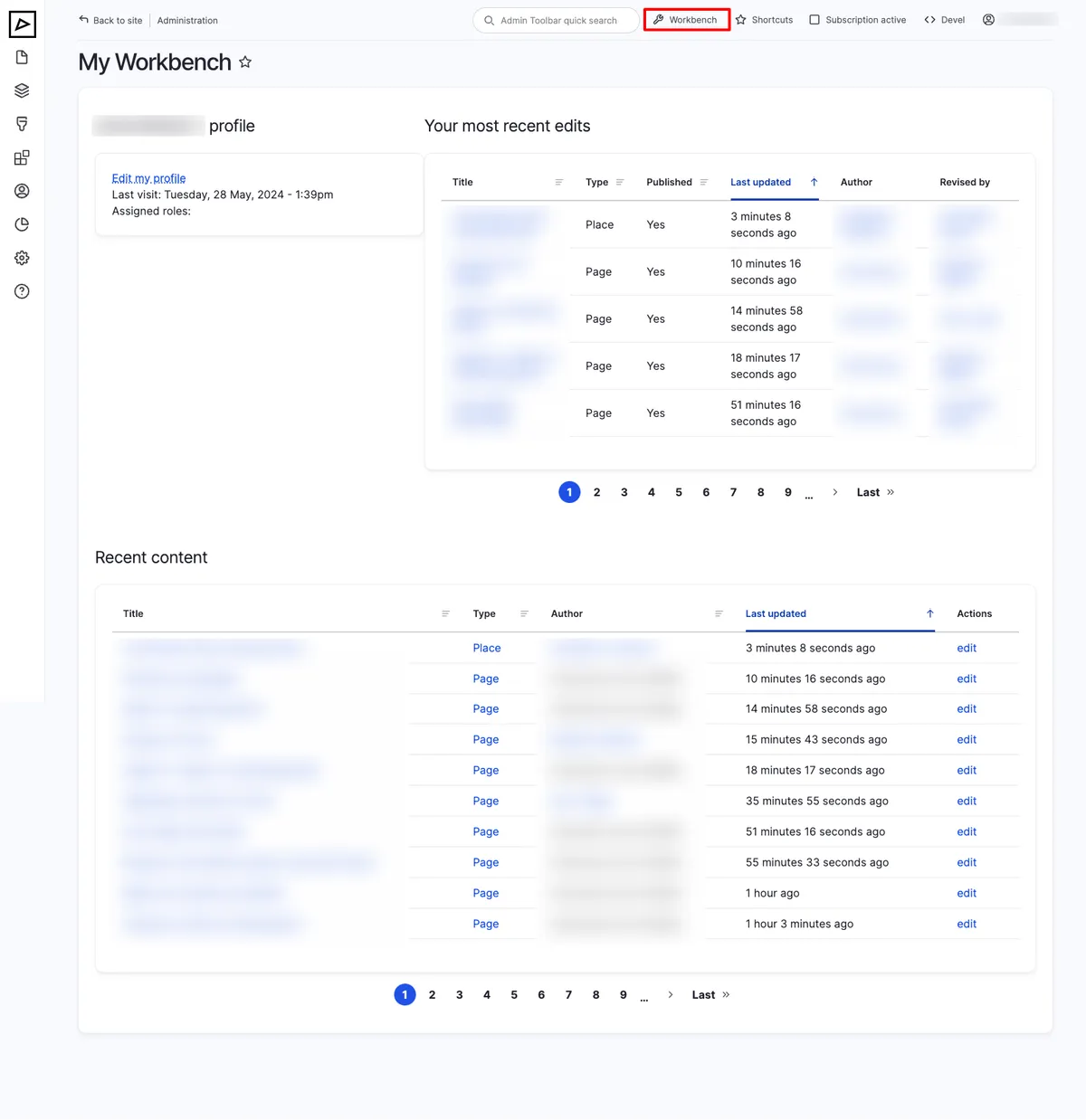
Section titled “Workbench”Workbench provides site contributors a way to easily create and find their own content. It is a dashboard that displays:
- Content items created by the logged-in user
- Other recently updated content items the user has access to
It helps content editors quickly access and manage their content items without having to search through the entire site.
Admin view
Section titled “Admin view”Admin users see all content that needs review or publishing — even if they are not the assigned Reviewer or Publisher.