Reusable Text
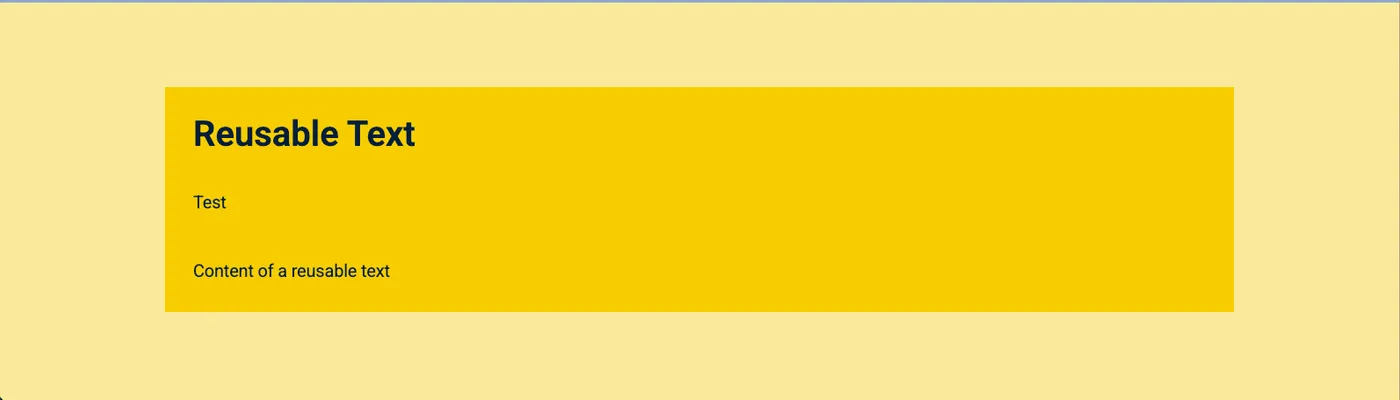
The Reusable Text component displays a text block that can be reused across multiple pages. This is useful for content that appears in multiple places — such as a disclaimer, a call to action, or standard contact information.
Updating the reusable text item updates it automatically on every page where it’s used — no need to edit each page individually.
Notification tab
Section titled “Notification tab”Reusable Text
Section titled “Reusable Text”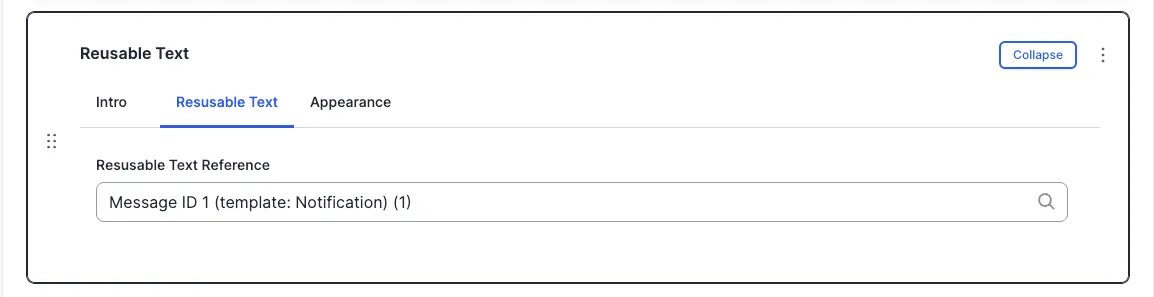
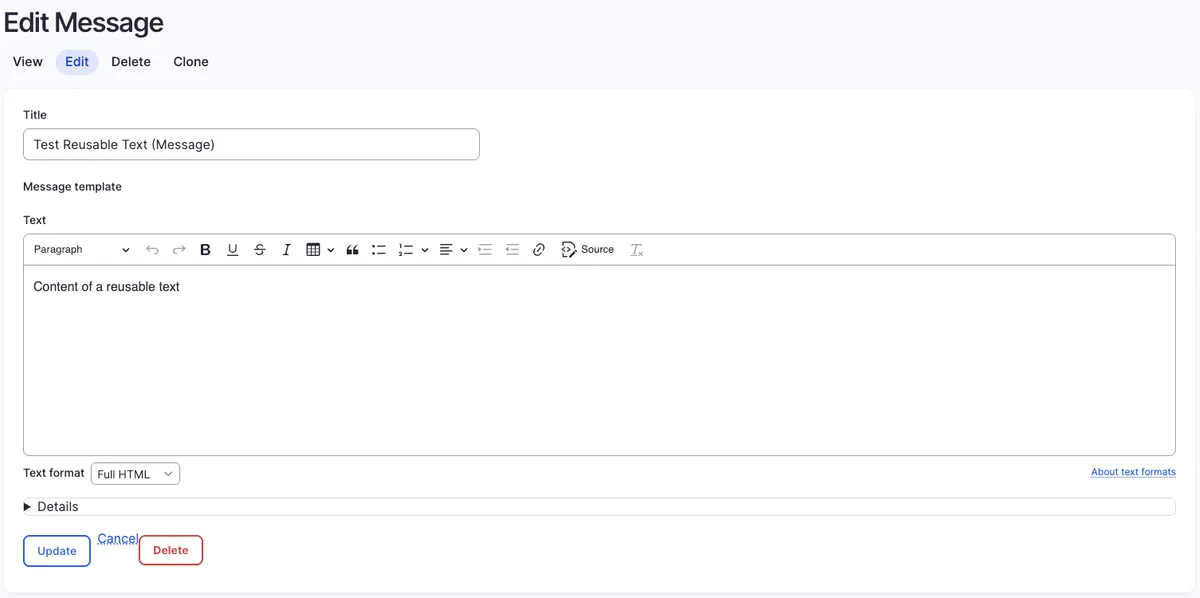
Start typing the title of the reusable text item you want to include. A list of matching items appears — select the one you want.
Appearance Admin
Section titled “Appearance ”Options in the Appearance tab are covered in the Components section.
All fields (technical reference) — 9 fields
| Field name | Machine name | Type | Role |
|---|---|---|---|
| Hidden | field_dmz_hidden | boolean | Editor |
| Background Media | field_dmz_media | reference (image, video, fotoweb) | Admin |
| Reusable Text | field_dmz_notifi_ref | reference | Editor |
| Outer Background | field_dmz_palette_color_1 | list_string | Admin |
| Inner Background | field_dmz_palette_color_2 | list_string | Admin |
| Content Background | field_dmz_palette_color_3 | list_string | Admin |
| Section ID | field_dmz_section_id | string (max 255) | Admin |
| Introductory Text | field_dmz_text | text | Editor |
| Introductory Title | field_dmz_title | text | Editor |
Colours & BackgroundsThe shared colour palette used across all components.