Timeline
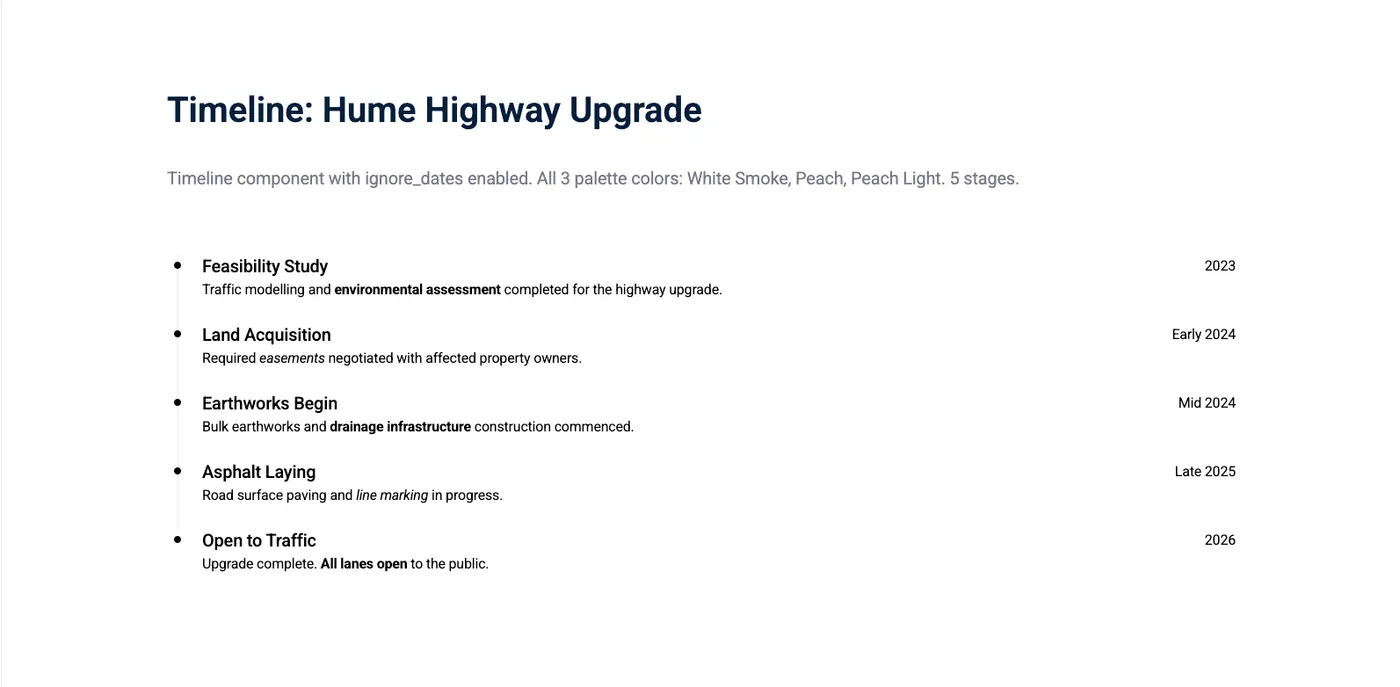
The Timeline component displays dated stages of a process. Each stage is represented by a circle with a date and caption next to it — ideal for project timelines, historical events, or multi-step processes with dates.
Intro tab
Section titled “Intro tab”Options in the Intro tab are covered in the Components section.
Stages
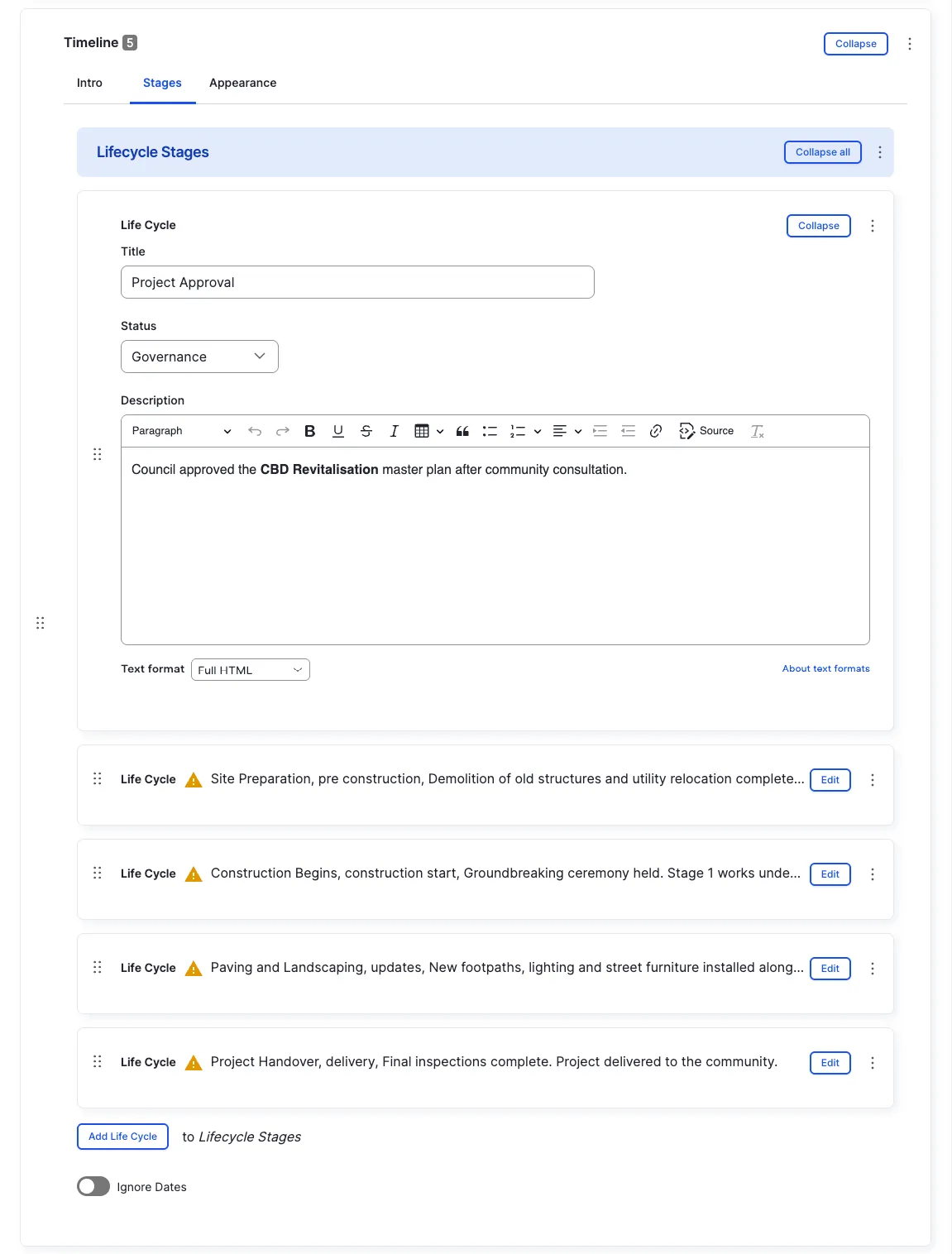
Section titled “Stages”Add multiple stages to the timeline by clicking Add Life Cycle. Each stage has:
- Title — the name of the stage
- Status — the current status of the stage
- Description — a short description shown next to the date
Appearance Admin
Section titled “Appearance ”Ignore Dates
Section titled “Ignore Dates”Display stages without their dates — useful for non-date-based progressions where you only want to show the order of stages.
Other options in the Appearance tab are covered in the Components section.
All fields (technical reference) — 11 fields
| Field name | Machine name | Type | Role |
|---|---|---|---|
| Hidden | field_dmz_hidden | boolean | Editor |
| Ignore Dates | field_dmz_ignore_dates | boolean | Admin |
| Timeline Stages | field_dmz_lifecycle_stages | ref_revisions (life_cycle) | Editor |
| Background Media | field_dmz_media | reference (image, video, fotoweb) | Admin |
| Outer Background | field_dmz_palette_color_1 | list_string | Admin |
| Inner Background | field_dmz_palette_color_2 | list_string | Admin |
| Content Background | field_dmz_palette_color_3 | list_string | Admin |
| Section ID | field_dmz_section_id | string (max 255) | Admin |
| Introductory Text | field_dmz_text | text | Editor |
| Introductory Title | field_dmz_title | text | Editor |
| Title Heading Level | field_dmz_title_tag | list_string | Admin |
Colours & BackgroundsThe shared colour palette used across all components.