Login & Logout
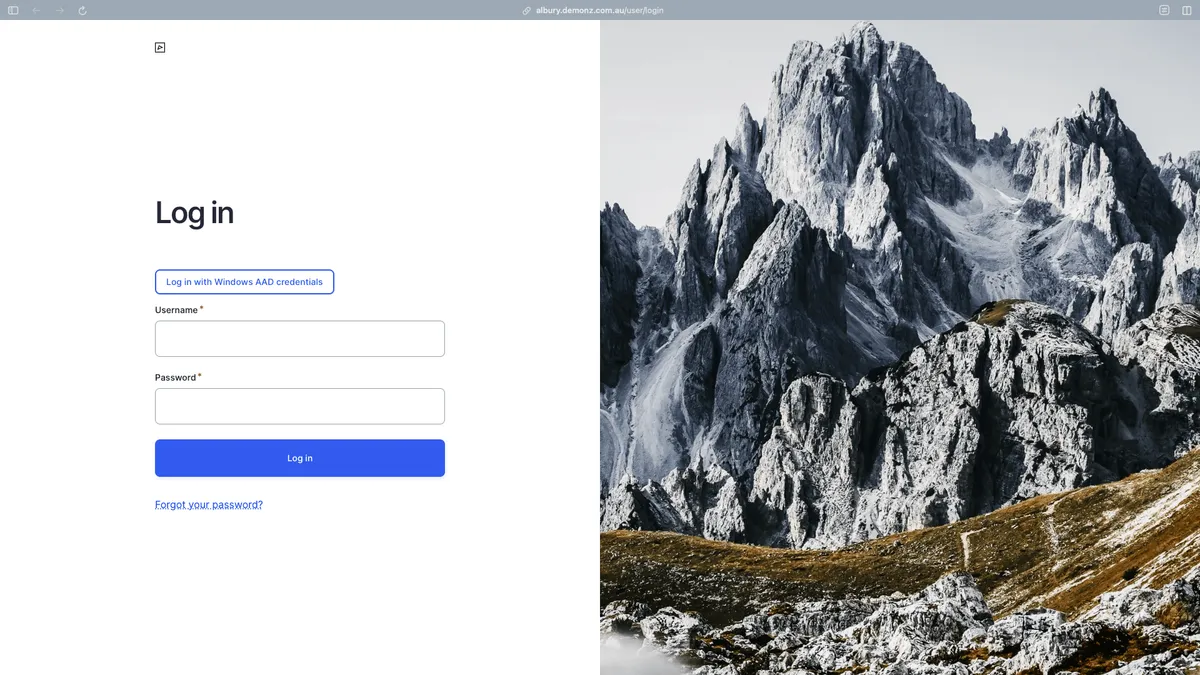
To get to the login screen, add /user to the end of the site URL.
Single Sign-On (SSO) via Azure Active Directory
Section titled “Single Sign-On (SSO) via Azure Active Directory”Users can seamlessly log in to the Drupal website using their existing Microsoft accounts through Azure Active Directory (Azure AD) integration.
- Click Log in with Windows AAD
- Proceed with authentication
- If your account has access to managing site content, you will be logged in and redirected back to Drupal
Username & Password
Section titled “Username & Password”If Azure AD is not working, you can request the development team (with Council authorisation) to log in directly using a username and password.
If the Username and Password fields are not visible but you need to log
in that way, add ?showcore to the end of the URL:
/user/login?showcore
Logout
Section titled “Logout”To sign out, either:
- Navigate directly to
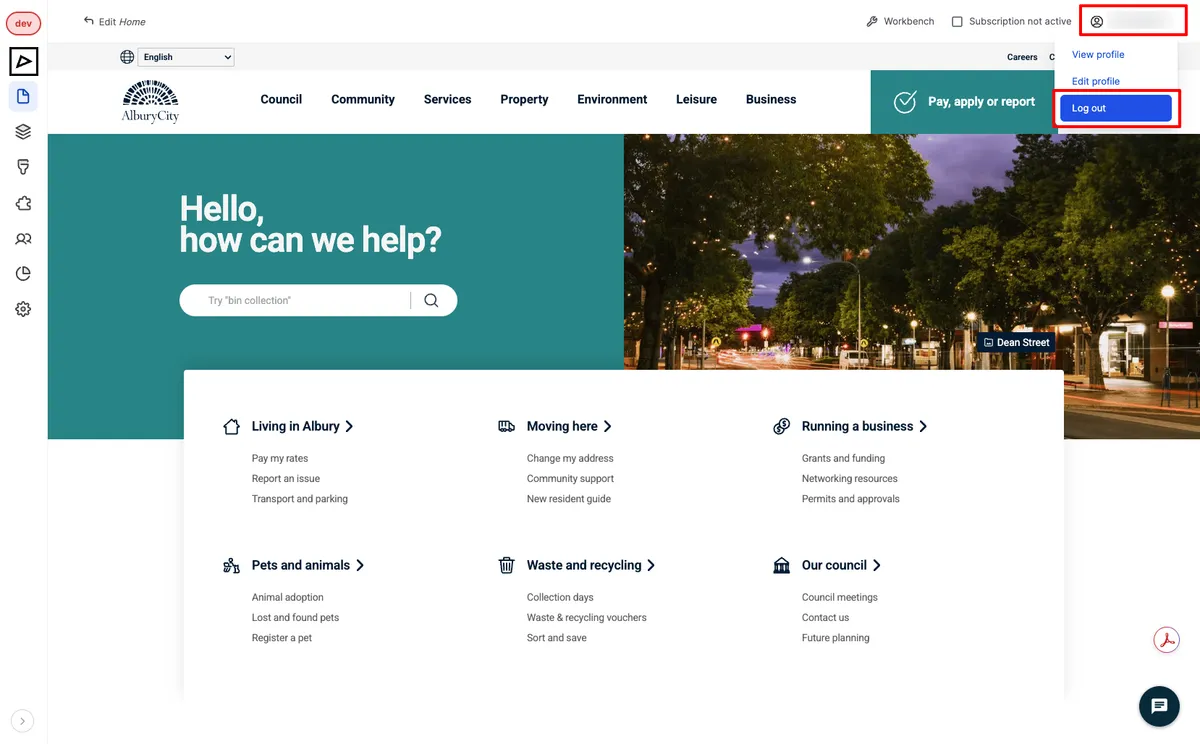
/user/logout, or - Hover your username in the top right corner of the screen and click Log out